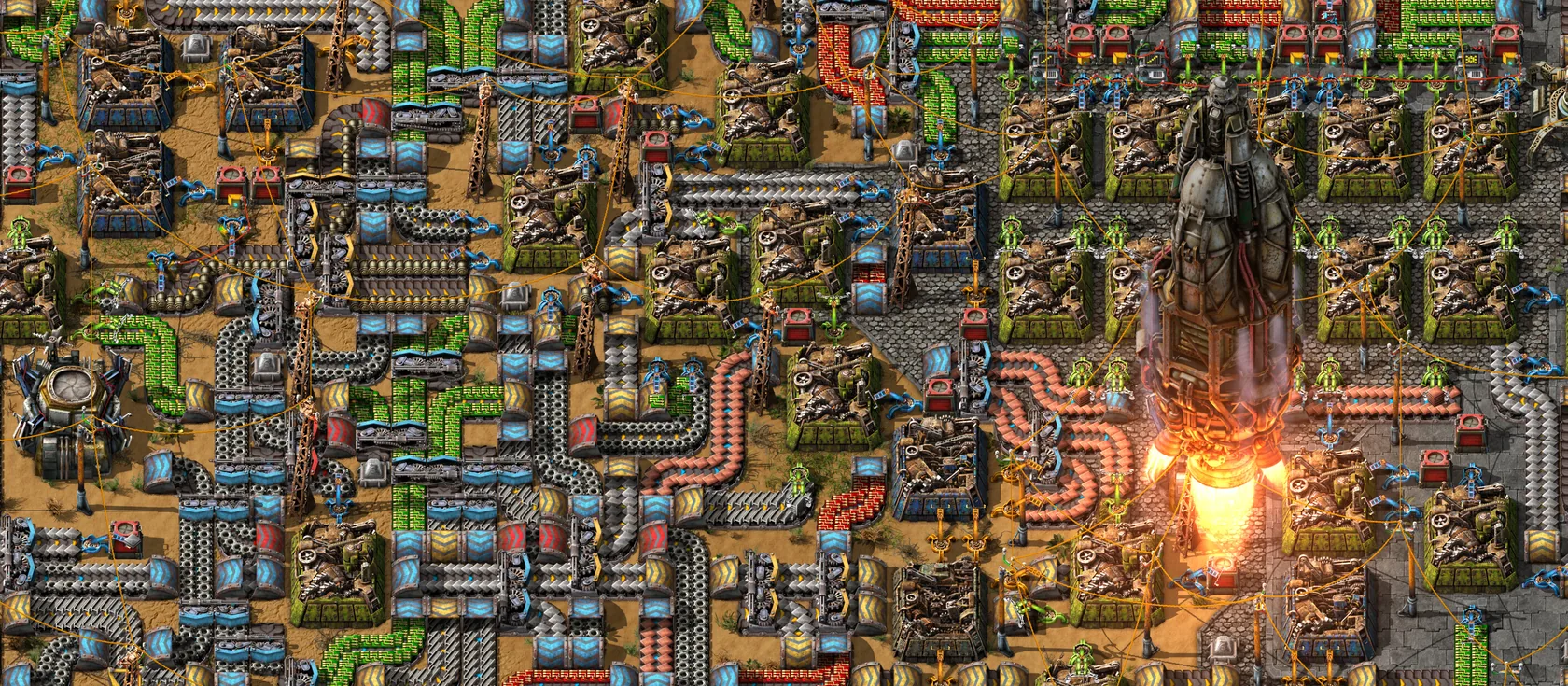
A Factorio server keeps your map online, so your group can build the factory together whenever any of you plays. You need your own copy of Factorio and a plan with at least 2 GB of RAM. Then you pick vanilla or Space Age, and friends join with your address and port.
What you need
- Factorio on PC, Mac or Linux, from Steam, GOG or factorio.com. Every player needs their own copy.
- Space Age, if you want it. A Space Age server needs every player to own the expansion. A vanilla server works for everyone.
- A plan with enough RAM (the server’s memory). Factorio is light at first and grows with your factory.
| Your game | Plan |
|---|---|
| A small group, early game | 2 GB |
| Most groups, through the mid game | 4 GB |
| A big Space Age save, lots of mods, or a megabase | 8 GB or more |
You can change plans later, and your map comes with you. The server is Wube’s free headless server (a version of the game with no graphics). It installs from factorio.com on our side and already includes the Space Age content.
Create your server
- Choose Factorio as your game.
- Pick the server type: vanilla or Space Age. You can switch later in Settings, and we make a backup first.
- Pick a plan from the table above.
- Pick a region: EU or US East. Choose the one closest to most of your players.
- Pick a name, like
megabase. It becomes your address:megabase.play.wilderack.com. - Finish checkout. Your server starts on its own.
The first start
Factorio starts fast, usually in seconds and at most about a minute. When Overview says Running, the server is ready with a fresh map.
Want your own map instead? Upload a single-player save. The steps are in Factorio backups and saves.
Add your factorio.com token
Add your factorio.com username and token once, in Settings. You need them for two things:
- Installing mods from the Mods tab, because the mod portal only gives files to signed-in players.
- Listing your server in the in-game Browse public games list.
You can skip this and still play, but most groups want mods sooner or later. Add your factorio.com token shows where to find it.
Make yourself admin
Admins can kick and ban players, save the game, and change server settings from inside the game. Pick one way:
- Settings in the panel. Add your factorio.com username to the admin list. It’s the name the game shows for you.
- Console in the panel. Use the Make admin quick action, or type
/promotefollowed by your name, like/promote mia.
Once you’re admin, type /admins in the game chat to check. A few commands worth knowing:
| Command | What it does |
|---|---|
/promote name |
Makes a player admin |
/kick name reason |
Kicks a player |
/ban name reason |
Bans a player |
/server-save |
Saves the game on the server |
/config |
Opens the server settings window |
Invite friends to play
Send friends your address and port from the address card on Overview, like megabase.play.wilderack.com:30197. They join from Multiplayer > Connect to address. The How to join card shows them each step, and How to join your Factorio server has the details.
To keep strangers out, set a server password in Settings.
Invite friends to help run it
Open Friends in the panel to invite people with a role:
| Role | What they can do |
|---|---|
| Co-owner | Everything you can, except billing and deleting the server |
| Admin | Everything a co-owner can, except inviting people and changing the address |
| Moderator | Start, stop, use the console, look at files and backups |
| Builder | Change files, mods and settings, and make backups |
| Viewer | Watch the console |
Panel roles and in-game admins are separate. Promote a friend in the game too if they should be able to kick or ban.
How sleep works for Factorio
Factorio pauses itself when nobody is connected. That’s the auto_pause setting, and it’s on unless you change it. A paused map doesn’t change, so biters don’t attack while you’re away.
We go one step further. About 10 minutes after the last player leaves, your server naps, so you aren’t paying for an empty server to sit awake. When a friend connects with your address, it wakes, usually in a couple of seconds. If a join ever fails while it wakes, try again after a few seconds, or open the wake link play.wilderack.com/w/megabase first.
A sleeping server drops off Factorio’s public game list. If you want strangers to find you there, set Settings > Sleep to always-on.
What to read next
Questions
How much RAM does a Factorio server need?
2 GB runs a small early-game map. 4 GB suits most groups, and big Space Age saves or megabases want 8 GB or more.
Do my friends need Space Age to join my server?
Only if the server runs Space Age. A vanilla server works for every Factorio player. A Space Age server needs every player to own Space Age.
How do I make myself admin on a Factorio server?
Add your factorio.com username to the admin list in Settings, or type /promote followed by your name in the Console. Admins can kick, ban, save and change server settings in game.
Does my factory keep running when nobody is online?
No. Factorio pauses itself when the last player leaves, and the server naps soon after. Your factory picks up where it stopped when someone joins.
Sources we checked
- Download FactorioWube Software
- MultiplayerOfficial Factorio Wiki
- ConsoleOfficial Factorio Wiki